
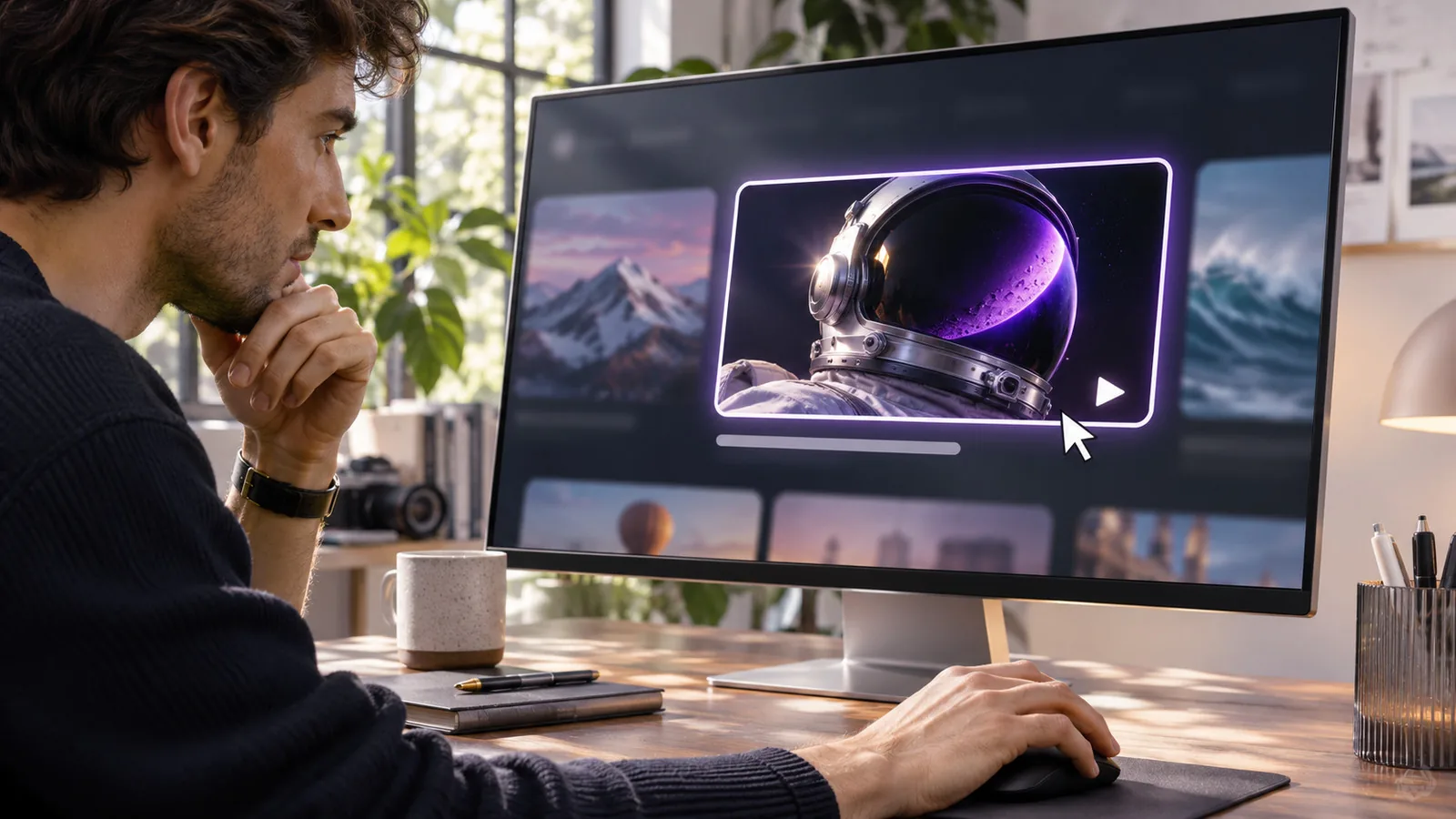
YouTube thumbnails work as the first step of every view on YouTube: YouTube shows the thumbnail and title as an impression, viewers decide in a fraction of a second whether to click, and how they respond, both clicking and watching, shapes how widely YouTube keeps showing the video. Impressions, CTR and retention measure each part.
In this guide
- From upload to impression
- What click-through rate measures
- The other half: what happens after the click
- How YouTube tests thumbnails for you
- Why old videos still depend on their thumbnail
- How to read your own numbers
- The life of a thumbnail, step by step
- Where your thumbnail competes
- The metrics that describe a thumbnail
- Changing a thumbnail is part of how it works
- The guides in this topic
- Frequently asked questions
- Sources
- Your test this week
A thumbnail is the part of your video that most people see without ever watching it. YouTube shows it on the Home feed, in Search, next to other videos in Suggested, on your channel page and in subscription feeds. Each of those appearances is a small decision made by a viewer in a fraction of a second: click, or keep scrolling.
This guide explains what happens in that moment and how YouTube records it, so that the numbers in YouTube Studio stop being a mystery and start being useful. Every other guide on this blog builds on these ideas.
From upload to impression
When you publish a video, YouTube starts showing it to people it expects might be interested. Some of them are subscribers. Many are not. The video appears as a card made of three things: the thumbnail, the title and a few details such as the channel name, view count and age of the video.
YouTube counts an impression when that thumbnail is actually shown to someone on YouTube. Not every appearance counts. According to YouTube, an impression is logged when the thumbnail is visible on screen for at least a second with at least half of it in view. A video that sits far down a page that nobody scrolls to does not collect impressions.
A few things are worth knowing about impressions:
- They only include appearances on YouTube itself. Embeds on other websites, links shared in chats and traffic from search engines outside YouTube do not count.
- They are not the same as people reached. The same person can see your thumbnail several times on different days and on different surfaces.
- They depend on where YouTube decides to show the video. That decision is shaped by how viewers respond, so impressions and click-through rate influence each other over time.
What click-through rate measures
Impressions click-through rate, usually shortened to CTR, is the share of those impressions that turned into a view. If your thumbnail was shown 10,000 times and 500 of those impressions led to a view, the CTR is 5%.
That sounds simple, and the definition is. The interpretation is where most creators go wrong. CTR is not a grade for your thumbnail in isolation. It is the result of the thumbnail, the title, the topic, the audience it was shown to and the place it was shown, all at once.
Three examples make the point:
- Traffic source changes everything. People who search for a specific topic and see your video near the top of the results are already looking for what you offer. CTR from Search is often higher than CTR from the Home feed, where the viewer was not looking for anything in particular.
- Audience temperature matters. In the first hours after upload, many impressions go to subscribers and people who already watch you. They click more readily. As YouTube widens the audience, CTR usually falls even if nothing about the thumbnail changed.
- Scale lowers the average. A video that YouTube pushes to a very large, broad audience will often show a lower CTR than one shown to a small, perfectly matched group. Fewer clicks per impression on many more impressions can still mean far more views.
So a falling CTR is not automatically bad news, and a high one is not automatically good news. The question is always what the thumbnail did relative to the situation it was in.
The other half: what happens after the click
YouTube does not want clicks for their own sake. It wants viewers who are satisfied with what they clicked on. That is why a thumbnail that wins the click but disappoints the viewer tends to hurt a video over time.
The numbers to read alongside CTR are:
- Average view duration and average percentage viewed. Do people who click stay?
- Views from impressions. The actual number of views the thumbnail generated, not just the rate.
- Retention in the first 30 seconds. If many viewers leave at the start, the thumbnail and title may have promised something the opening does not deliver.
A good thumbnail does two jobs together. It earns the click from the right viewer, and it sets an expectation the video meets. We call that pairing the promise, and you will see the word often on this blog.
How YouTube tests thumbnails for you
YouTube Studio includes a feature called Test and Compare that lets eligible channels upload several thumbnails for the same long video. YouTube shows the versions to comparable viewers over the same period and reports which one performed best. It judges the result by watch time, not only by clicks, which reflects the point above: the goal is satisfied viewers, not curious ones who leave.
When you have access to it, it is the most reliable way to compare versions, because it removes the biggest problem of manual testing: comparing two different periods with different audiences. When you do not, you can still learn a lot from careful before and after comparisons. Our guide on how to A/B test thumbnails without fooling yourself explains how.
Why old videos still depend on their thumbnail
YouTube keeps recommending videos long after the upload week. A tutorial from two years ago can still collect thousands of impressions a month from Search and Suggested. Every one of those impressions is decided by the thumbnail you chose on upload day, often under time pressure and before you knew how the video would be received.
That makes the back catalog one of the most overlooked opportunities on any channel. A video that holds viewers well but has a weak thumbnail is losing clicks every day, quietly. Finding those videos and refreshing them is the subject of our use cases guide, and it is the reason KiThumbs exists.
How to read your own numbers
Before you change anything, get used to looking at your data the right way:
- Compare against your own channel, not against a number you read online. There is no universal good CTR. Use the median of your own videos as the baseline.
- Split by traffic source. Look at CTR from Search, Suggested and Browse features separately. A thumbnail can work well in one and poorly in another.
- Use a fixed window. Compare equal periods, such as the last 28 days, rather than a launch week against a random month.
- Look at views, not only percentages. The goal is more of the right viewers, not a prettier rate.
Our guide on how to track YouTube thumbnail performance goes through the exact reports to open in YouTube Studio.
The life of a thumbnail, step by step
It helps to follow a single video from upload to its second year, because the thumbnail’s job changes along the way.
Upload day. YouTube starts by showing the video to people likely to be interested, often including subscribers and viewers of your recent videos. They know you, so they click more readily. Impressions are modest and CTR is often at its highest.
The first week. If those first viewers click and keep watching, YouTube tends to widen the audience. Impressions rise, and CTR usually falls because the new viewers are strangers. This is the moment when a thumbnail that only works for fans starts to struggle.
The first months. The video settles into steady sources: Search for the queries it answers, Suggested next to related videos, and occasional Home feed appearances. Here the thumbnail competes directly with alternatives on the same topic, side by side.
The long tail. Many videos keep collecting impressions for years. Nobody is watching their packaging anymore, but every impression still depends on a thumbnail chosen on upload day. This is where a refresh can pay off most, because the video and the audience already exist.
Where your thumbnail competes
Each surface puts your thumbnail in a different contest:
- Search. Your thumbnail sits in a vertical list with others answering the same query. Viewers are looking for something specific, so clarity about what the video covers wins.
- Home feed. Your thumbnail competes with everything a viewer might like. Curiosity and emotion matter more here, because the viewer was not looking for your topic.
- Suggested. Your thumbnail appears small, next to a video the viewer is already watching. It has to read at a tiny size and feel like a natural next step.
- Channel page. Returning viewers browse your catalog. Consistency helps them find series and recognize your style.
A single thumbnail cannot be perfect for every surface, which is why looking at CTR by traffic source tells you so much more than the overall number.
The metrics that describe a thumbnail
Four numbers describe how a thumbnail is doing, and they only make sense together:
- Impressions: how big the opportunity is. Our guide on what YouTube impressions are explains exactly what counts.
- Impressions click-through rate: how efficiently the packaging turns that opportunity into views. Our guide on what a good click-through rate on YouTube is shows how to judge it against your own channel.
- Views from impressions: the actual result. The difference between this and total views is explained in YouTube impressions vs views.
- Retention after the click: whether the promise was kept.
Changing a thumbnail is part of how it works
A thumbnail is not fixed. You can replace it at any time without affecting the video’s existing views, and YouTube will start showing the new version straight away. That makes thumbnails one of the few parts of a published video you can keep improving. Our guide on how to change a thumbnail on YouTube covers the steps and the record keeping that makes each change useful.
The guides in this topic
The articles below go deeper into each part of this process: measuring performance, testing versions fairly and deciding when a change actually worked.
Frequently asked questions
Does YouTube judge my thumbnail by CTR alone?
No. Clicks matter, but YouTube also weighs whether viewers keep watching and seem satisfied. Its own thumbnail test picks winners by watch time, not by clicks alone.
Why does my CTR drop after the first days?
Early impressions go largely to subscribers and regular viewers, who click more readily. As YouTube shows the video to a wider audience, CTR usually falls even if nothing changed.
Do thumbnails matter for videos found through Google?
Less directly. Views from search engines outside YouTube do not count as YouTube impressions, so those viewers are not choosing from a YouTube feed.
How quickly does a new thumbnail take effect?
YouTube starts showing a new thumbnail within minutes, though some places may show a cached version for a while. Judge the effect over weeks, not hours.
Sources
- YouTube Help: Impressions and click-through rate FAQ
- YouTube Help: A/B test titles & thumbnails
Your test this week
Open YouTube Studio, go to Analytics, and for your five most viewed videos of the last 90 days, write down the CTR from Browse features and the CTR from Search side by side. If the gap between them is large for one video, look at its thumbnail on a phone, next to the videos it competes with in that surface. Often the reason is visible at a glance.