

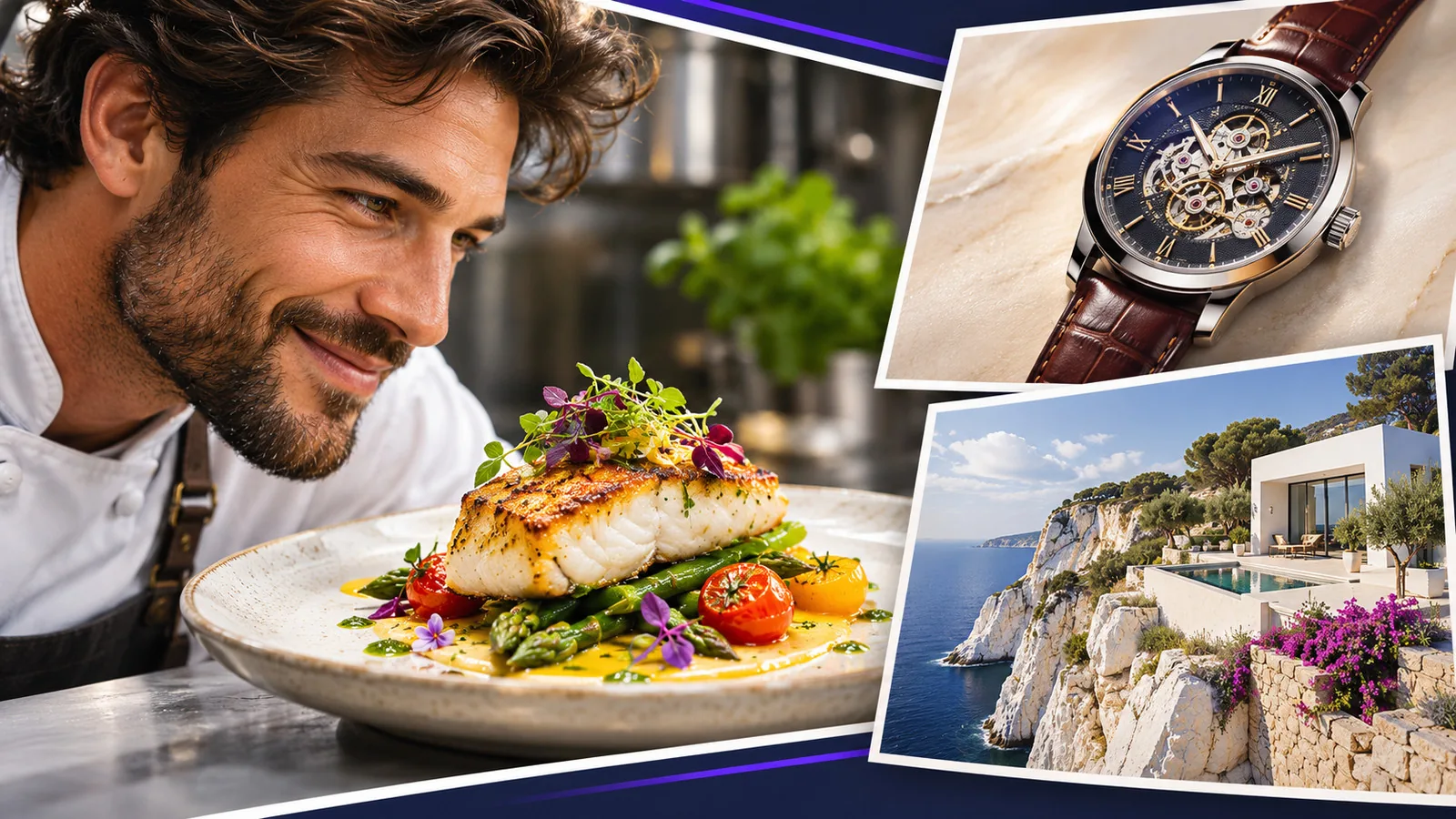
The most useful YouTube thumbnail examples are patterns, not individual images: the reaction shot, the before and after, the result reveal, the versus, the single object and a few more. Each works for a specific kind of promise. Understanding why a pattern works lets you choose one on purpose for each video instead of copying a big channel’s style.
Looking at successful thumbnails is a good habit, but copying them rarely works: what you see is the result of a channel’s audience, brand and topic, not just the image. This guide takes apart ten recurring patterns, explains what makes each one work and when it fails. For the ideas behind them, see our guide to thumbnail concepts.
1. The reaction shot
What it looks like: a large face with a clear emotion, next to or looking at the thing that caused it.
Why it works: faces stop the scroll, and the emotion tells the viewer the tone of the video instantly. The gaze directs attention to the subject.
When it fails: when the expression is generic or exaggerated beyond what the video delivers. See faces in YouTube thumbnails.
Suits: personal stories, reviews, challenges, reactions.
2. Before and after
What it looks like: the same subject in two states, side by side or split diagonally.
Why it works: the contrast creates an instant question: how did it get from one to the other? The video answers it.
When it fails: when the difference is too subtle to see at phone size.
Suits: makeovers, fitness, renovation, editing tutorials, cleaning, design.
3. The result reveal
What it looks like: the finished outcome of the video, shown large and clean.
Why it works: it shows exactly what the viewer will get, which is a strong and honest promise.
When it fails: when the result is ordinary. A reveal only works if the result is impressive or surprising.
Suits: cooking, crafts, builds, tutorials with a visible output.
4. Versus
What it looks like: two options facing each other, often with a dividing line or contrasting colors.
Why it works: comparisons promise a decision, and viewers want to know the winner.
When it fails: when the two options are not instantly recognizable at small size.
Suits: product comparisons, “which is better” videos, debates.
5. The single object
What it looks like: one object, large, on a plain background, sometimes with a short word.
Why it works: extreme simplicity stands out in busy feeds and reads instantly.
When it fails: when the object alone does not suggest a reason to click.
Suits: reviews, explainers, faceless channels, tech.
6. The big number
What it looks like: a number as the main element: a price, a time, a result.
Why it works: digits are recognized very quickly, and specific numbers make concrete promises.
When it fails: when the number is not true, not meaningful or too small to read.
Suits: finance, challenges, experiments, “I tried X for 30 days” videos.
7. The mystery element
What it looks like: something partly hidden, blurred or circled, inviting the viewer to find out what it is.
Why it works: it creates curiosity directly.
When it fails: when it hides what the video is about entirely, or when the reveal disappoints. This is the pattern closest to clickbait.
Suits: stories, investigations, unboxings.
8. The scene
What it looks like: a wider shot of a place or situation, with one clear subject.
Why it works: it sells an experience, like travel, an event or an atmosphere.
When it fails: when the subject is too small and the scene becomes a landscape with no focal point.
Suits: travel, vlogs, documentaries, outdoor content.
9. The problem
What it looks like: a clear visual of something going wrong: an error, a broken object, a bad result.
Why it works: viewers with the same problem recognize it immediately and want the fix.
When it fails: when the problem is too technical to recognize visually.
Suits: tutorials, repairs, troubleshooting, software help.
10. The series frame
What it looks like: the same layout, colors and style on every video of a series, with only the specific subject changing.
Why it works: regular viewers recognize the series instantly in a feed.
When it fails: with new viewers, if the frame is so consistent that each video’s specific promise gets lost.
Suits: recurring formats, episodes, ongoing projects.
How to use these patterns
- Start from the promise. Write one sentence on what the viewer gets.
- Pick the pattern that carries that promise best. A result video wants a reveal; a decision video wants a versus.
- Check the competition. If every result for your keyword uses the same pattern, a different one may stand out more.
- Test two patterns on videos that get steady impressions, and keep notes. Our guide on A/B testing thumbnails explains how.
Frequently asked questions
Should I copy thumbnails from big channels?
Borrow the pattern, not the design. Big channels’ thumbnails work partly because their audience already recognizes them. Your version needs your own photos, colors and promise.
Which thumbnail pattern gets the most clicks?
There is no single best pattern. It depends on the video’s promise, your audience and what competing thumbnails look like. Your own data is the only reliable answer.
Can I use the same pattern for every video?
You can for a series, but a channel benefits from choosing the pattern that fits each video’s promise.
Where can I find good thumbnail examples?
Search your own topics on YouTube and study the results you would click on. Ask what pattern each one uses and what promise it makes.
Sources
- YouTube Help: A/B test titles & thumbnails
- YouTube Help: Add custom thumbnails on YouTube
Your test this week
Label your last ten thumbnails with the pattern each one uses from this list. Then look at which patterns sit above your channel’s median CTR. If one pattern clearly leads, use it on purpose for your next suitable video, and try a different pattern on the next one to keep learning.